You have finished the artwork. Every spread is painted, the characters look right, and the book exists on your iPad. Then the printer rejects the file, or worse, accepts it and the proof arrives with white slivers down the edges of your illustrations.
Almost everything written about Procreate covers the setup end: canvas size, DPI, brushes. Far less covers the other end, which is where books actually go wrong. This guide covers exporting: what Procreate can hand to a printer, what it cannot, and the exact numbers Amazon KDP and IngramSpark ask for.
Can you export a print-ready file straight from Procreate?
For Amazon KDP, yes. Procreate exports PDF, which is the format KDP requires for any interior with artwork running to the edge of the page, and it exports at the resolution your canvas was built at.
For IngramSpark, no, not on its own. Ingram asks for things Procreate gives you no way to control or even check. You will need one more step in another application. The section further down explains exactly which requirements Procreate cannot meet, so you can decide before you start painting rather than after.
This matters most if you are publishing to both, which many authors do: KDP for Amazon, IngramSpark for bookshops and libraries.
What file format does Procreate export for print?
Under Actions, Share, Procreate offers .procreate, PSD, PDF, JPEG, PNG and TIFF. For print you want PDF. Procreate’s own handbook describes it as the most practical choice for sending files to print houses and publishers.
When you choose PDF, Procreate asks for a quality level: Good, Better or Best. Choose Best. The handbook does not document what each level changes, which is reason enough not to gamble on the lower two for something that is going to be printed a thousand times.
One oddity worth knowing: the handbook’s File Types page does not list PDF at all, while the Share page does. The Share page is the accurate one. PDF export exists.
There is also a Share Layers option that exports every layer as a separate page of one PDF. That is not how you export a book. It is useful for sending an author a layered breakdown of a single illustration, nothing more.
What canvas size do you need for a printed children’s book?
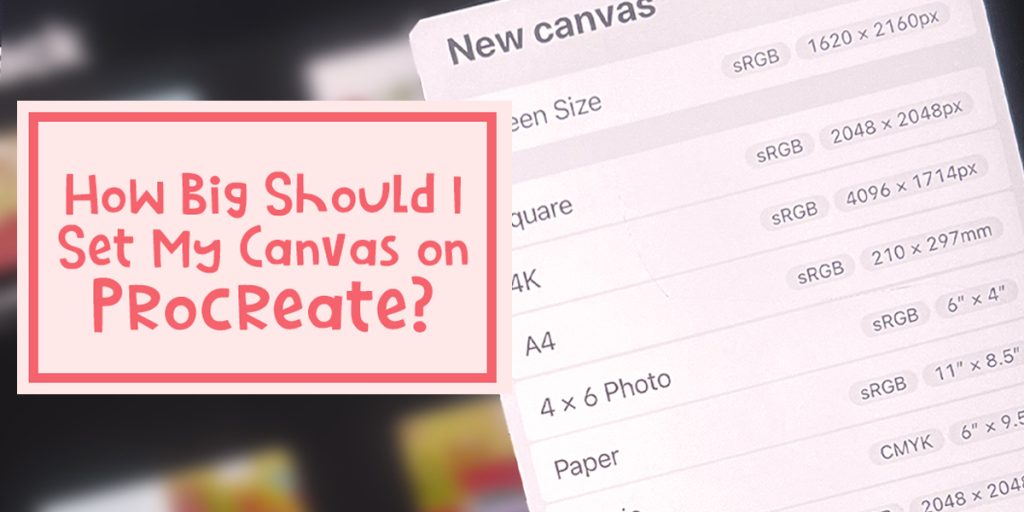
Your canvas needs to be the trim size plus bleed, at 300 DPI or higher. Work it out before you draw anything, because resizing a finished painting upward will soften it.
Take the most common picture book shape, 8.5 inches square, which both KDP and IngramSpark offer. Bleed is added to the top, the bottom and the outer edge, but not the inner edge where the pages are bound. So:
- Trim size: 8.5 x 8.5 inches
- Add 0.125 inches to the width, for the outer edge
- Add 0.25 inches to the height, for the top and bottom
- Canvas: 8.625 x 8.75 inches
- At 300 DPI that is 2588 x 2625 pixels
KDP sets a minimum of 300 DPI and recommends no more than 600, to keep the whole file under 650MB. For a full colour picture book, 300 is the sensible choice. Going higher mostly buys you a file too large to upload.
Remember that Procreate reduces your available layers as the canvas grows. A canvas this size is comfortable on any recent iPad, but if you are painting double page spreads you are working at roughly twice the width, so check your layer limit before you commit to a working method.
How much bleed does KDP need, and where does it go?
Amazon KDP asks you to extend artwork 0.125 inches (3.2 mm) beyond the final trim size on the top, bottom and outer edges. In document terms, your PDF pages should be 0.125 inches wider and 0.25 inches taller than the trim size you selected.
Two rules catch people out:
- Bleed is optional, but it is all or nothing. If even one page in your book has artwork running to the edge, the entire file has to be set up with bleed.
- With bleed, your interior must be a PDF. Without bleed, KDP will also accept DOC, DOCX, RTF, HTML or TXT. For an illustrated book you are in PDF territory from the start.
Keep anything that must not be cut away well inside the trim line. KDP asks for an outside margin of at least 0.375 inches when you are using bleed, and the inside margin depends on how thick the book is:
- 24 to 150 pages: 0.375 inches of gutter
- 151 to 300 pages: 0.5 inches
- 301 to 500 pages: 0.625 inches
- 501 to 700 pages: 0.75 inches
- 701 to 828 pages: 0.875 inches
A picture book sits in the first band, so 0.375 inches is your working figure. A character’s face drifting into that strip will be swallowed by the binding.
Why your spreads have to be split into single pages
This is the one that surprises illustrators most, and it is worth knowing before you paint rather than after.
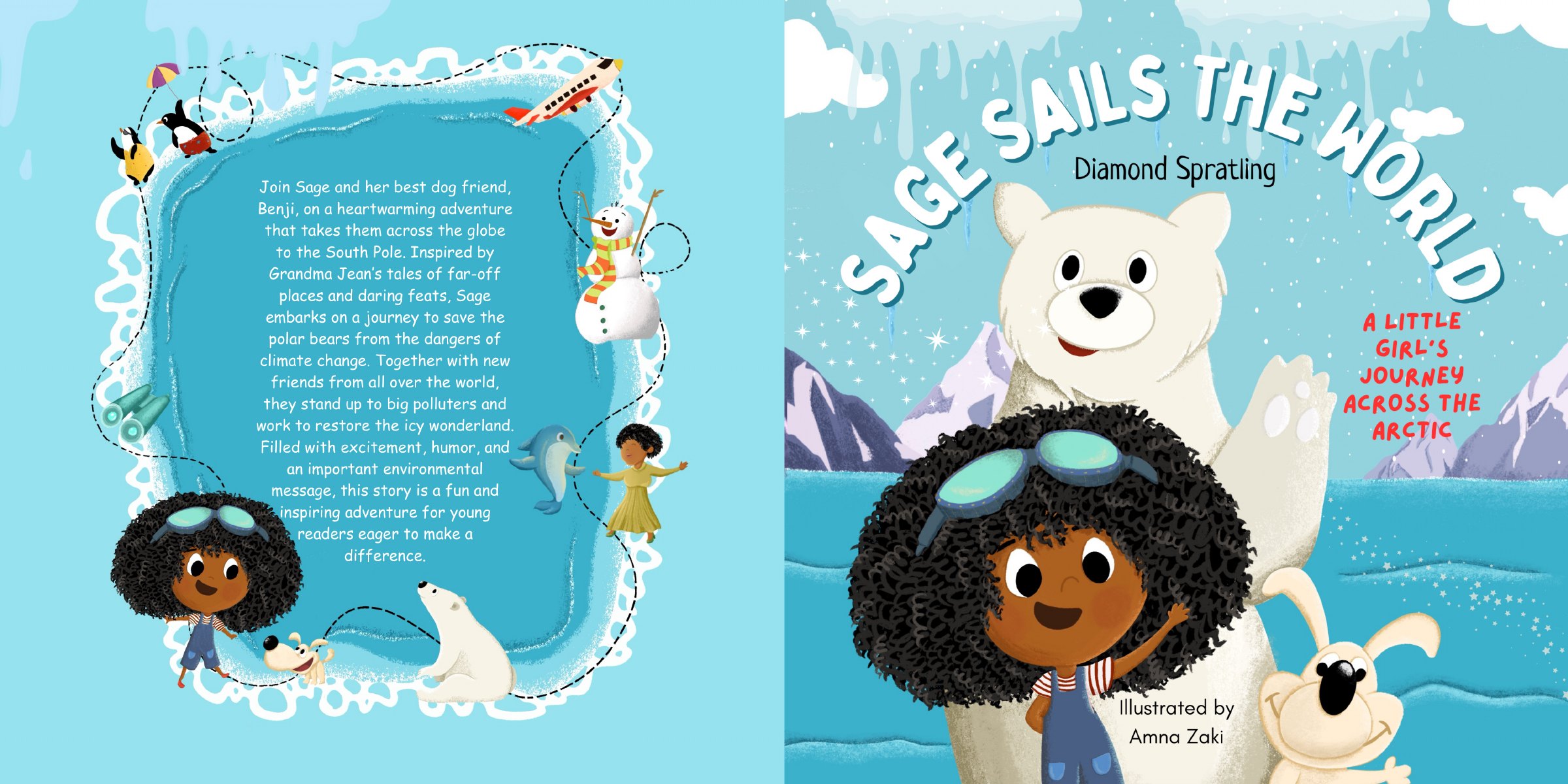
Picture books are designed in spreads. Two facing pages, one continuous image. That is how the reader sees it and it is how the art should be made. But KDP states plainly that it requires single page files, not spreads or two-up files. IngramSpark says the same.
So paint in spreads, then split. Each spread becomes two pages, and the half that meets the middle gets no bleed on that inner edge. The practical method is to build the spread at double width plus bleed on the outer edges only, then export the left and right halves as separate pages.
If you skip this and upload spreads, the printer will treat each spread as one enormous page. You will either get a rejection or a proof where every illustration is scaled to half size with white space around it.
Does Procreate export CMYK?
Procreate canvases can use a colour profile, and it ships with a Generic CMYK Profile alongside its RGB profiles, Display P3 and sRGB. You can also import your own profiles.
But here is the honest limitation. Procreate’s handbook says nothing about what happens to colour when you export. There is no export dialogue that lets you choose an output profile, no total ink readout, and no soft proofing against a printer’s specification. You are trusting a conversion you cannot inspect.
For KDP this is survivable. KDP’s own published guidelines do not state a colour space requirement at all, and do not say what they do to colour. In practice, illustrators deliver RGB to KDP constantly and it prints. Expect saturated blues, greens and oranges to come back duller than they looked on the iPad, because no press can reproduce what a backlit screen can. Order the printed proof. Always order the printed proof.
For IngramSpark it is not survivable, which brings us to the next part.
What IngramSpark needs that Procreate cannot give you
IngramSpark’s interior file requirements include several things with no equivalent anywhere in Procreate:
- PDF/X-1a:2001. Ingram recommends this PDF standard for export. Procreate’s PDF export has three quality settings and no standards option.
- Total ink coverage not exceeding 240%. This is the sum of the four CMYK values in the darkest area of your artwork. Procreate gives you no way to measure it. A rich dark navy night sky can easily exceed 240% and will come back muddy or offset onto the facing page.
- No registration black. Blacks built as 100/100/100/100 are rejected. Again, not something you can check in Procreate.
- Embedded fonts. If your text is live rather than painted, the fonts must be embedded.
Ingram also asks for 300 ppi on colour interiors, 0.125 inches of bleed past trim on every side except the bind side, single page files, no crop or registration marks, and margins of at least 0.5 inches from the trim on all sides. It allows a printing variance of about 1/16 inch, which is another reason to keep important detail away from the edges.
The practical answer is to export from Procreate at full resolution, then place those pages into Affinity Publisher, InDesign or Acrobat and export the final PDF from there with the right standard and colour settings. That is the extra step, and it is the reason studios quote print file preparation as its own line rather than folding it into the illustration.
The export checklist
Before you export:
- Canvas is trim size plus bleed, at 300 DPI
- Nothing important sits within 0.375 inches of the trim on the inner edge, or 0.375 inches on the outside with bleed
- Spreads are split into single pages
- Any live text is at least 7 points, which is KDP’s stated minimum
- Transparency and layers are flattened
- No crop marks, trim marks, comments, annotations or placeholder text anywhere in the file
On export:
- Actions, Share, PDF, quality set to Best
- Check the page count. KDP requires a minimum of 24 pages and rounds up to an even number, so a 33 page book becomes 34
- IngramSpark expects the final page to be blank, and will add one if it is missing
After export, open the PDF at 100% and look at the edges of every page. This takes five minutes and catches most of what would otherwise come back as a rejection.
Why files get rejected
In order of how often it happens:
- Bleed on some pages but not others. The file has to be consistent throughout.
- Spreads uploaded instead of single pages. Covered above, and entirely avoidable.
- Artwork that stops exactly at the trim line. It needs to run past it. Printers cut with a tolerance, and a hairline of white will appear.
- Resolution below 300 DPI. Usually because the canvas was created at screen resolution and the book was decided on later.
- Odd page count, or fewer than 24 pages.
- Ink coverage over 240% on IngramSpark. Only visible once someone checks it properly.
Questions illustrators and authors ask
Can you illustrate an entire children’s book in Procreate?
Yes. Procreate handles a full picture book comfortably at 300 DPI, and canvases can run up to 16K pixels in one direction depending on your iPad. The limitation is not drawing, it is the final print preparation, which is why the export step above matters.
What DPI should I use for a children’s book in Procreate?
300 DPI. KDP sets that as its minimum and recommends staying under 600 to keep the file under 650MB. IngramSpark recommends 300 ppi for colour interiors. There is no benefit to going higher for a picture book.
Do I need CMYK for KDP?
KDP’s published guidelines do not state a colour space requirement. Colours will shift on press regardless, so the reliable step is ordering a printed proof before approving the book, not guessing at a conversion.
What size should my Procreate canvas be for an 8.5 inch square book?
8.625 x 8.75 inches at 300 DPI, which is 2588 x 2625 pixels. That is the 8.5 inch trim plus 0.125 inches of bleed on the outer edge and 0.25 inches across the top and bottom combined.
Can I upload a Procreate PDF directly to IngramSpark?
Not reliably. Ingram recommends PDF/X-1a:2001, caps total ink at 240% and bans registration black, none of which Procreate can set or verify. Export from Procreate, then produce the final PDF in Affinity Publisher, InDesign or Acrobat.
Does Procreate export in CMYK?
You can set a CMYK profile on the canvas, and Procreate includes a Generic CMYK Profile. But there is no output profile choice at export and no way to inspect the result, so treat anything leaving Procreate as unverified for commercial print.
If you would rather not do this part
Print file preparation is the step where most self-published picture books lose quality, and it is the least enjoyable part of making one. We set up print-ready files for Amazon KDP and IngramSpark as part of our book formatting work, and it is included when we illustrate a book from the start.
If you are drawing it yourself and just want the file checked before you upload, that is worth an email too. It is a short job and it is considerably cheaper than a print run you cannot sell.
Ready to Bring Your Children's Book to Life?
Don't leave your story as just a draft. Led by an illustrator with more than fifty children’s books behind her, we handle character turnarounds, full-spread interior art, and print-ready publishing files for Amazon KDP, IngramSpark, EPUB and Barnes & Noble.
We do character design, storyboarding, book covers and complete books.